
Learn WordPress Design & Development
From Zero to Pro — Learn to Build, Design, and Launch Stunning Websites (No Coding Experience Required)
Why Learn WordPress Web Design?
WordPress powers over 40% of all websites worldwide — from small businesses to global brands.
Learning WordPress gives you a high-demand skill you can use to:
- Build websites for clients and get paid (freelancing or agency work)
- Launch your own online business, blog, or eCommerce store
- Work remotely with international clients
- Take control of your creative and financial future
Only 6 slots Available per cohort
What You’ll Learn
(Zero to Pro in 90 Days)
This course is hands-on — you’ll learn by actually building real websites from day one.
Month 1
Foundations & Modern Page Building
Introduction to WordPress & Hosting Setup
Learn the basics of WordPress, how it works, and why it’s popular. Get hands-on with domain registration and hosting setup to launch your first website smoothly.
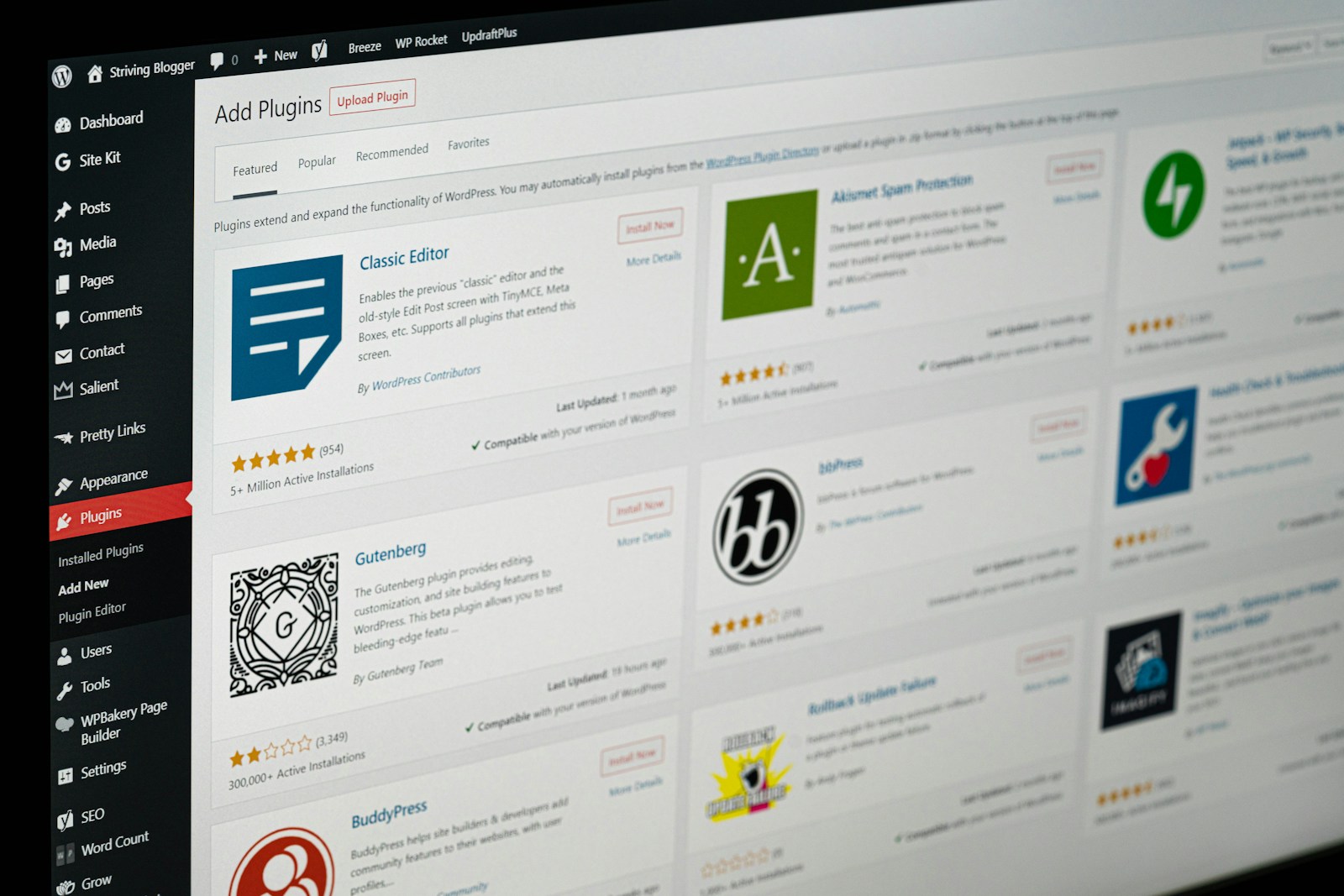
Installing and Managing Themes & Plugins
Discover how to install, activate, and customize WordPress themes. Learn to add and manage plugins to extend your site’s design, features, and functionality with ease.
Working with Page Builders (Elementor, Block Editor, Bricks, etc.)
Master visual page builders like Elementor, Block Editor, and Bricks. Learn to design stunning, responsive pages without coding and customize layouts to fit any style.
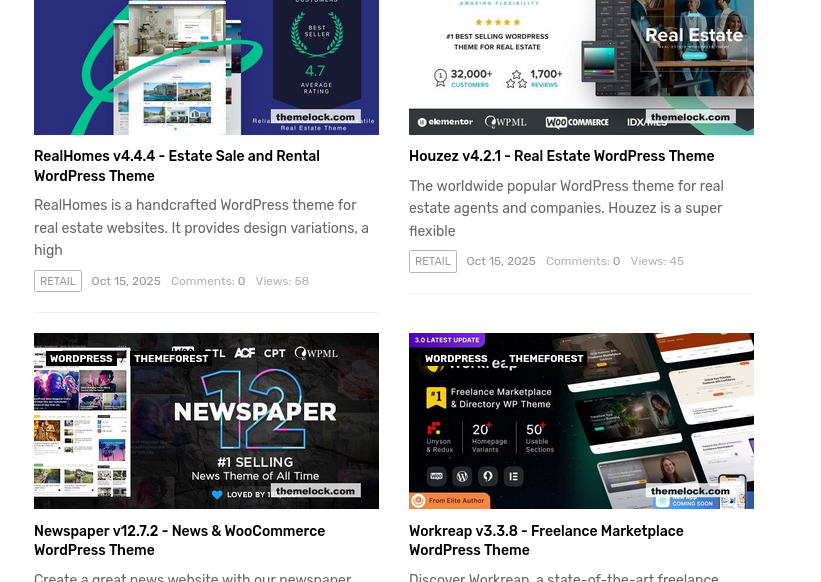
Designing with Templates, Global Styles & Reusable Blocks
Learn to speed up your workflow using templates, global styles, and reusable blocks. Keep your design consistent, professional, and easy to update across your site.
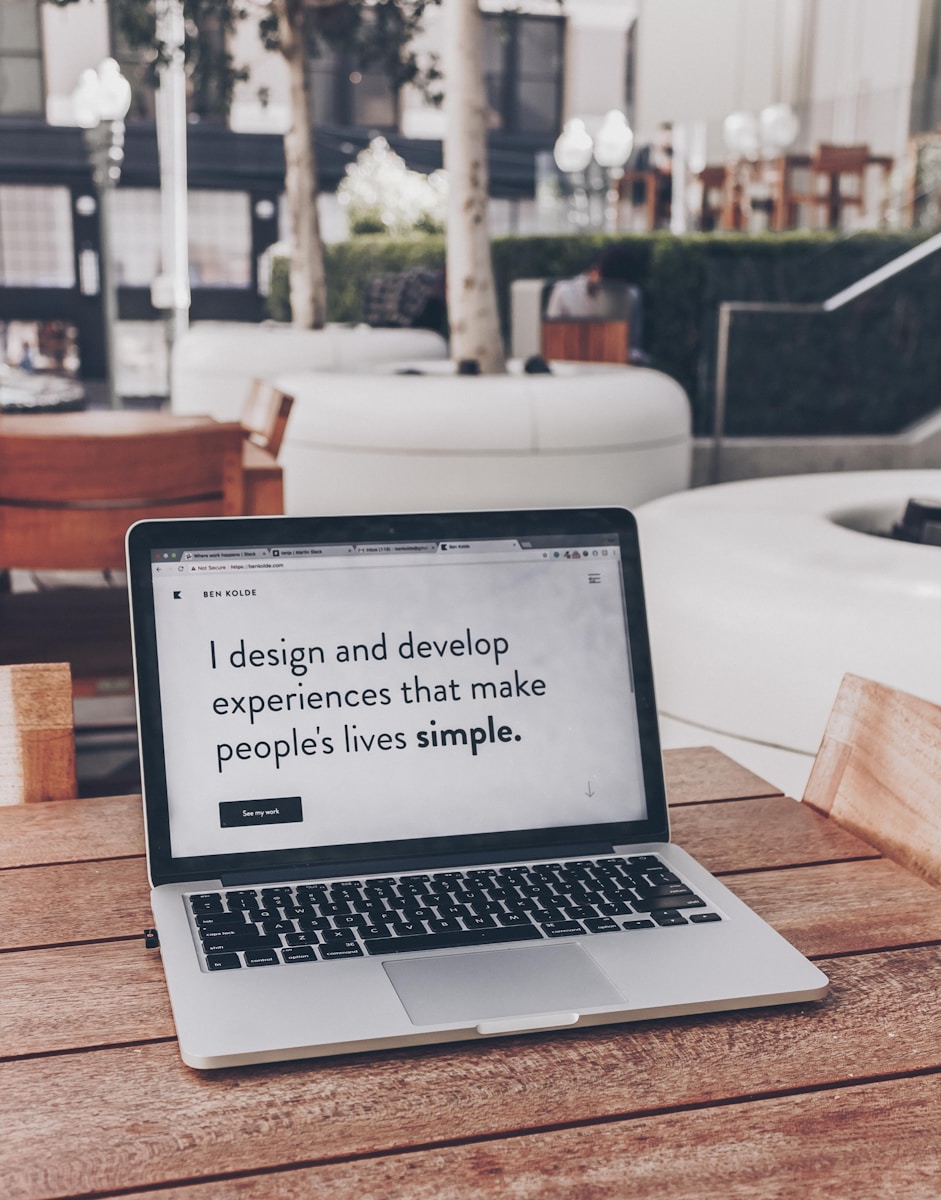
Creating a Personal Portfolio Website
Build a professional personal portfolio site that highlights your skills, projects, and achievements. Learn to structure pages and showcase your work with a clean, modern design.
Month 2
Intermediate Design & Customization
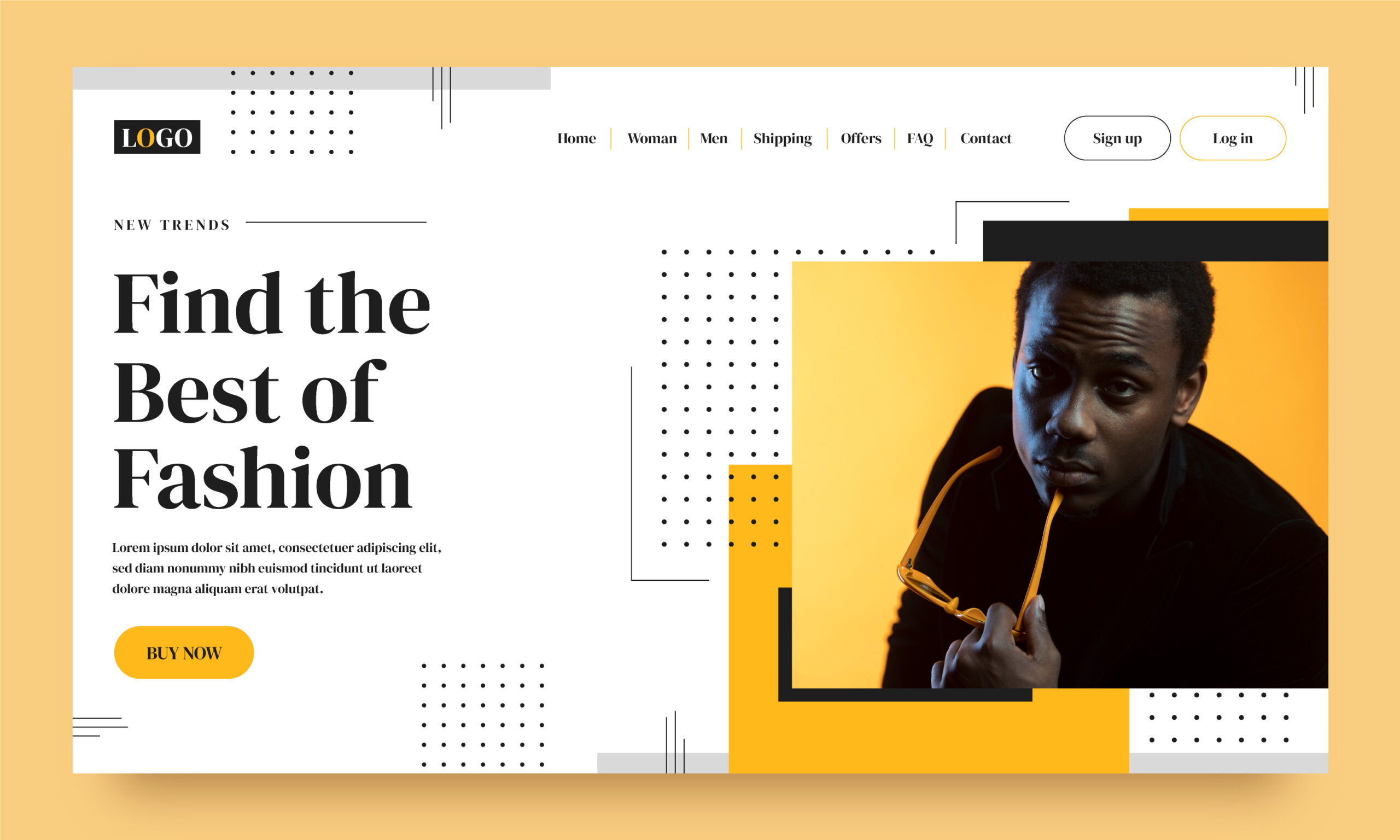
Customizing Theme Layouts
Learn how to adjust headers, footers, sidebars, and other theme elements. Customize layouts to match your brand style and create a unique website experience.
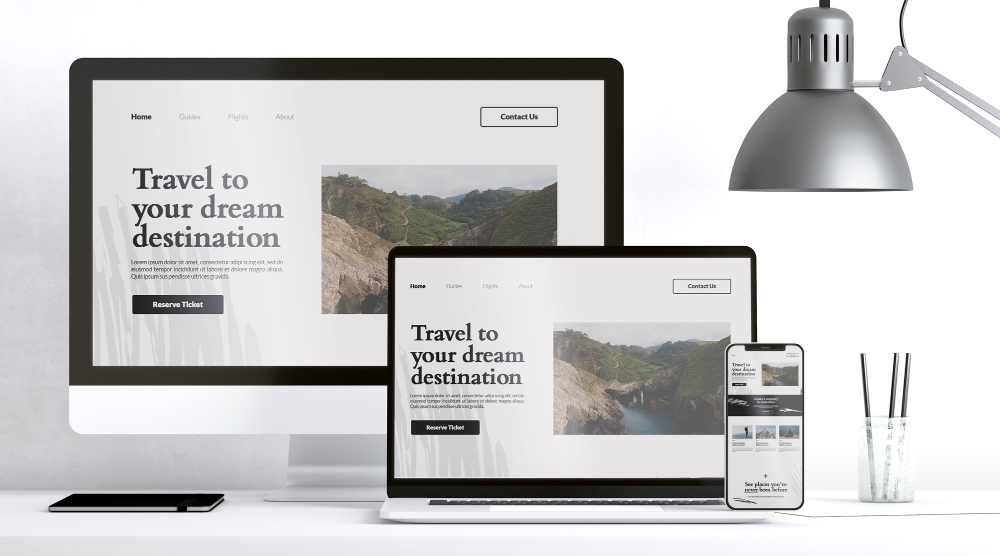
Responsive Design (Mobile, Tablet, Desktop)
Master responsive design to make your website look great on mobile, tablet, and desktop. Learn how to adjust layouts, fonts, and elements for a seamless user experience.
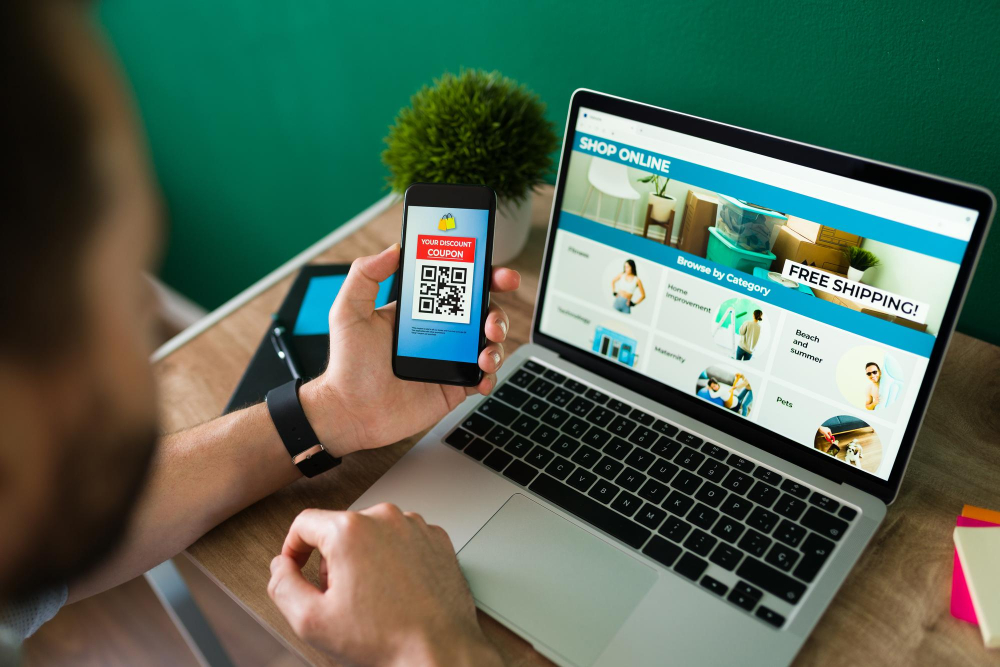
Building a Business Website from Scratch
Learn to plan, design, and build a full business website from start to finish. Create essential pages, set up navigation, and ensure your site looks professional and polished.
Integrating Contact Forms, Social Media & SEO Tools
Learn to add contact forms, connect social media, and integrate SEO tools. Boost engagement, grow your audience, and make your site more visible online.
Understanding Web Design Principles & Branding
Discover key web design principles like balance, contrast, and hierarchy. Learn how branding shapes your site’s look and feel, creating a strong, memorable identity.
Month 3
Advanced WordPress Development

Introduction to Custom Post Types & Taxonomies
Learn how to create and use custom post types and taxonomies to organize content beyond posts and pages. Build flexible, structured sites for any purpose.

Creating Dynamic Websites (Blogs, Real Estate, Directories, etc.)
Learn to build dynamic, content-rich websites like blogs, real estate listings, and directories. Use post types, taxonomies, and plugins to create powerful, flexible sites.

Designing Custom Block Themes (FSE)
Learn to design custom block themes using Full Site Editing (FSE). Control every part of your site’s layout, style, and structure directly in the block editor.
Working with Custom Fields (ACF, MetaBox)
Learn to use ACF and MetaBox to add and manage custom fields. Create flexible, dynamic content structures that give you more control over your website’s design and data.

Creating Custom Models for Unique Projects
Learn to build custom models to handle unique project needs. Structure data, design layouts, and create tailored website features that go beyond standard WordPress setups.
Building a Full E-commerce Website with WooCommerce
Learn to set up and customize a complete online store with WooCommerce. Add products, manage orders, set payment options, and create a smooth shopping experience.
Going Live: Hosting, Migration & Optimization
Learn how to launch your website by setting up hosting, migrating files, and optimizing performance. Ensure your site is fast, secure, and ready for visitors.
Final Project: Build and Launch a Complete Client-Ready Website
You’ll also get
- 1-on-1 mentorship from industry professionals
- Access to premium WordPress tools (for training use)
- Real-world projects for your portfolio
- Certificate of Completion from Hodessy, LLC
- Post-course guidance for freelancing & job opportunities

Training Details
How to Register
Once payment is confirmed, you’ll receive your course schedule and pre-class onboarding materials.

“Before this course, I had never built a website. Now I design client websites and earn online.”
Tolu A.
Web Designer (Hodessy Graduate)

“The practical training was everything. We built real websites and learned client handling too.”
Emmanuel O.
Freelancer
Ready to Become a WordPress Pro?
Join the next cohort at Hodessy Ibadan and start building a career in web design.
- Tuition: ₦150,000
- Location: Block Q4, Joke Plaza,
Opposite Access Bank, Bodija, Ibadan - Next Start Date: November 3, 2025